Kick off workflows in one click.
Save time and add consistency to your team’s workflow.
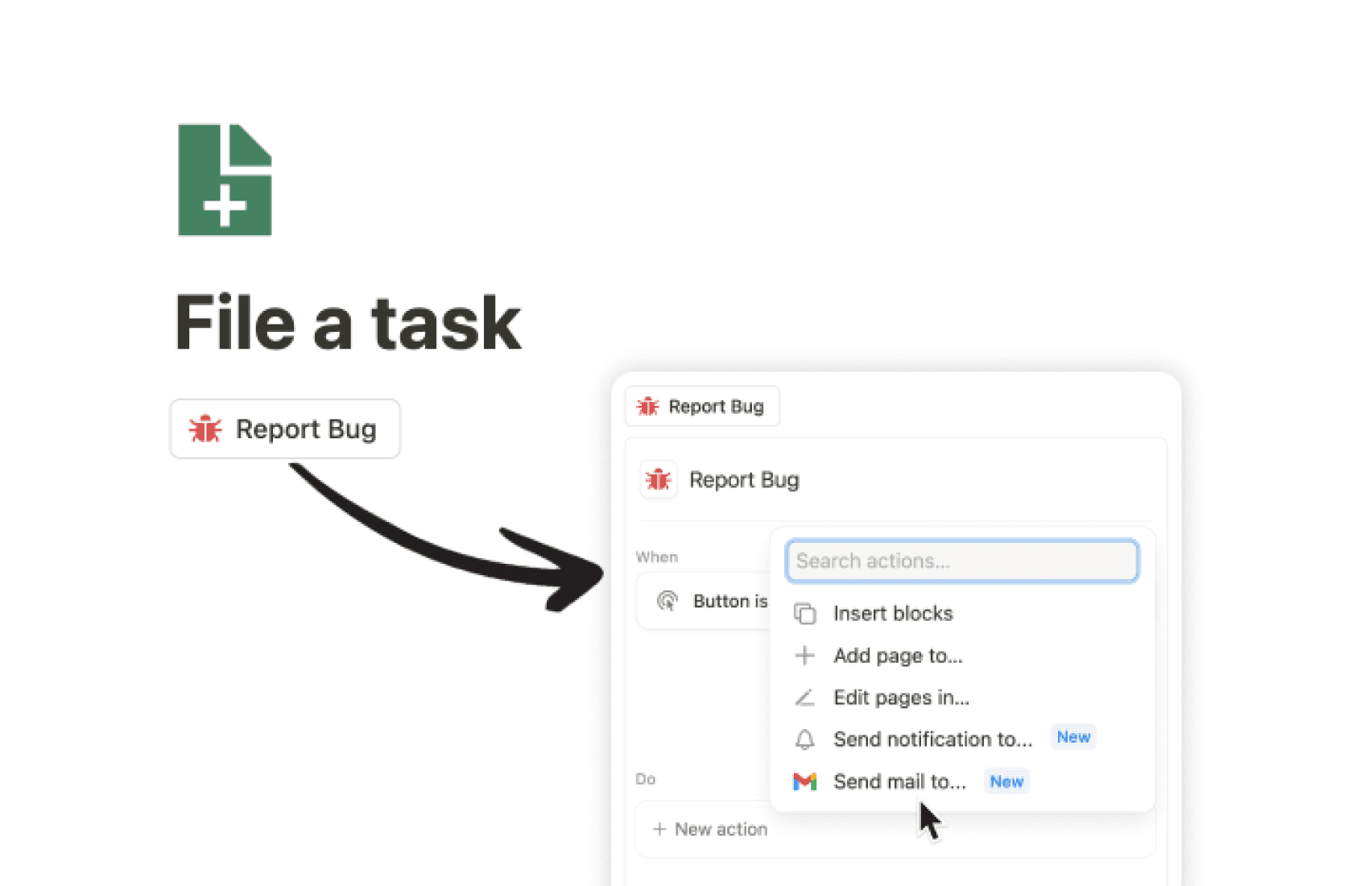
Stay ahead and up-to-date without all the manual effort.

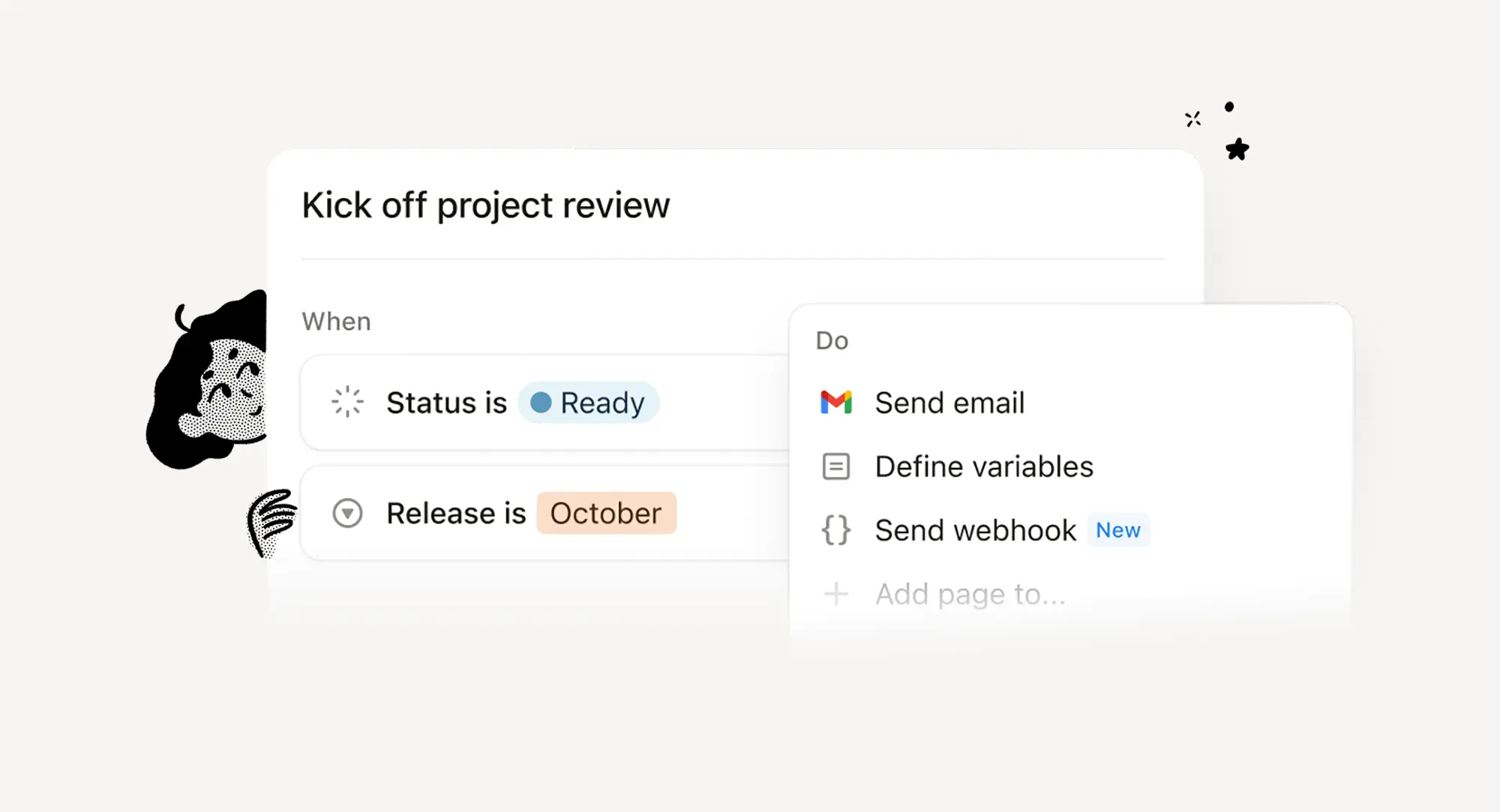
Save time and add consistency to your team’s workflow.
Build customized workflows that fit the way you work.
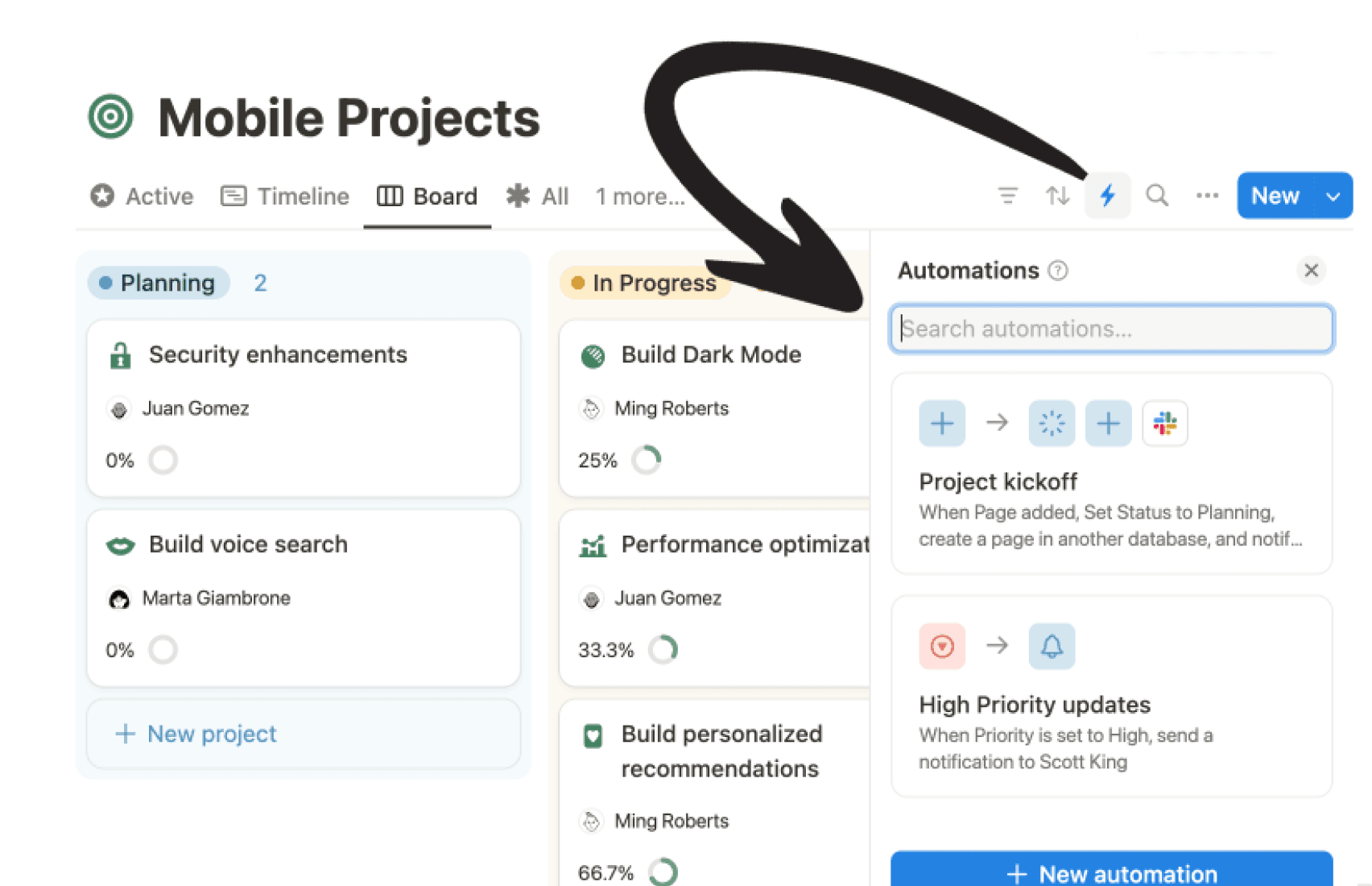
Turn complex processes into simple, reliable workflows.
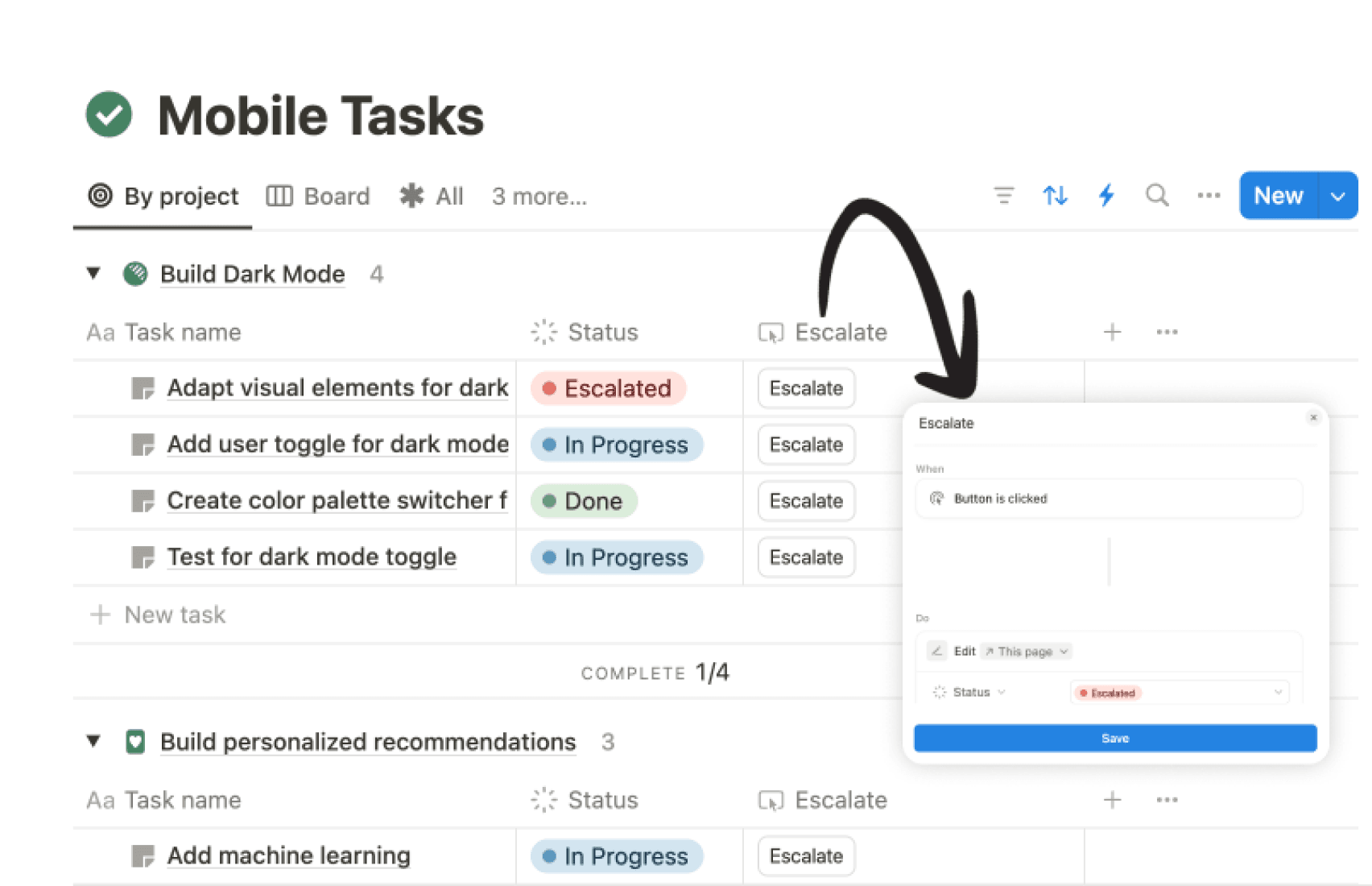
Notion is integral to our team. Automations help us save time and let our teams focus on high-impact work.

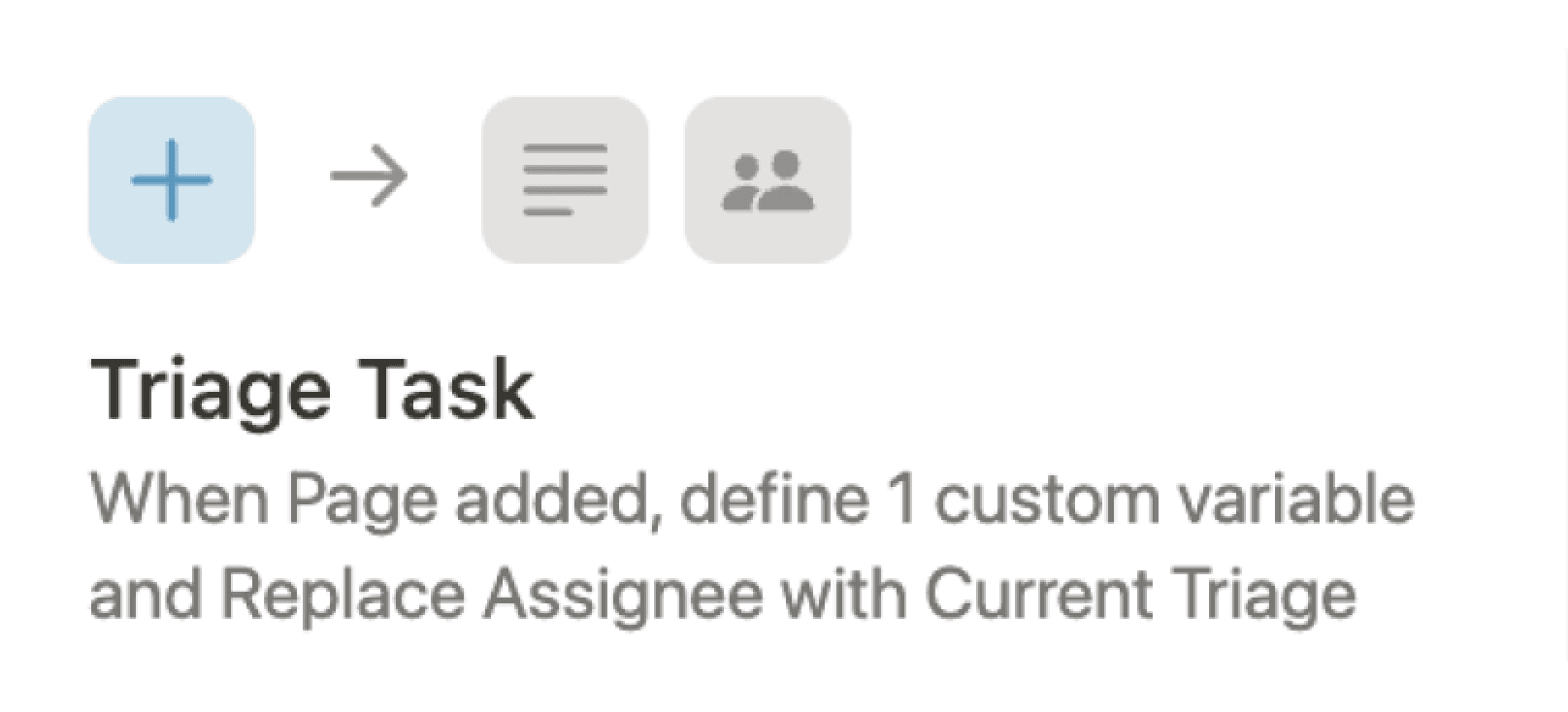
Assign tasks to the right teammates.
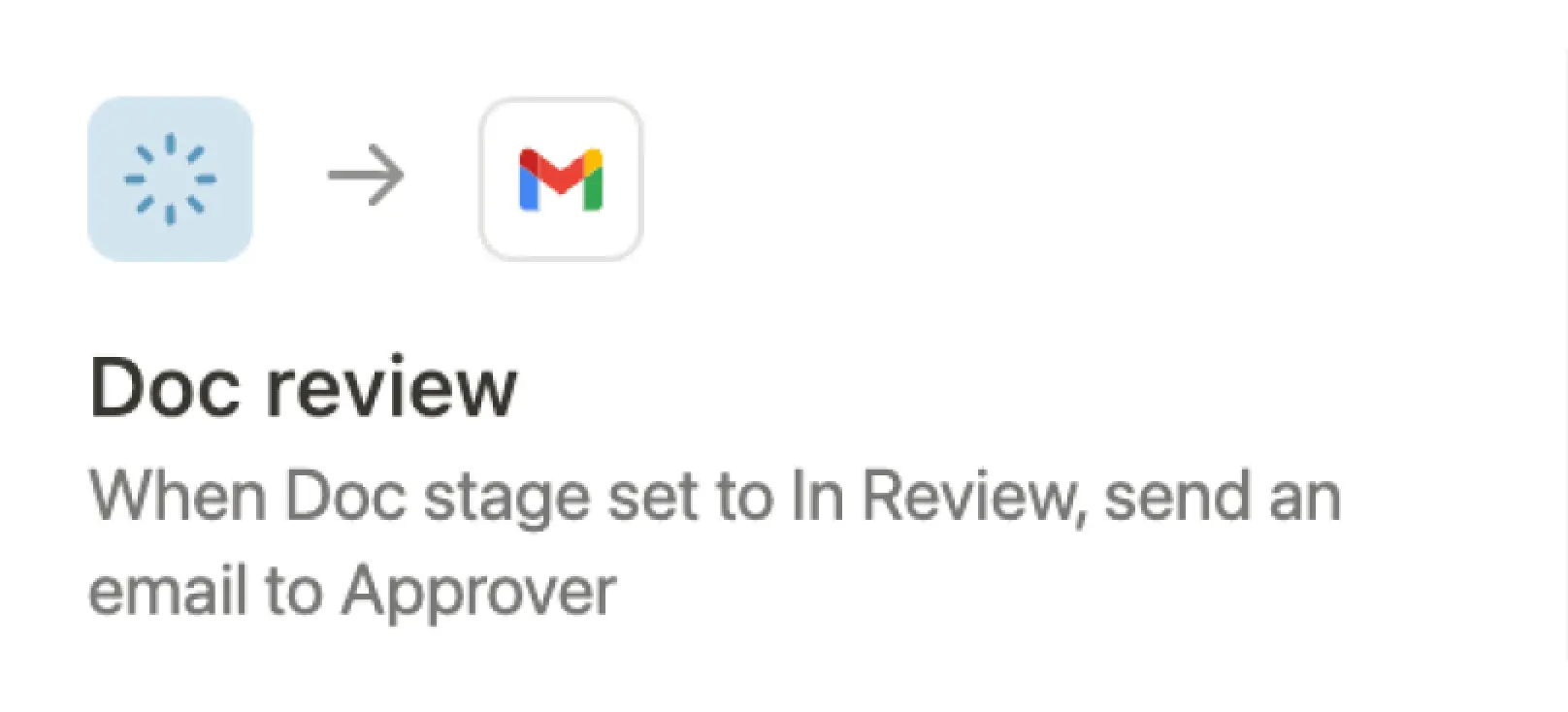
Send customized emails when projects are ready for review.
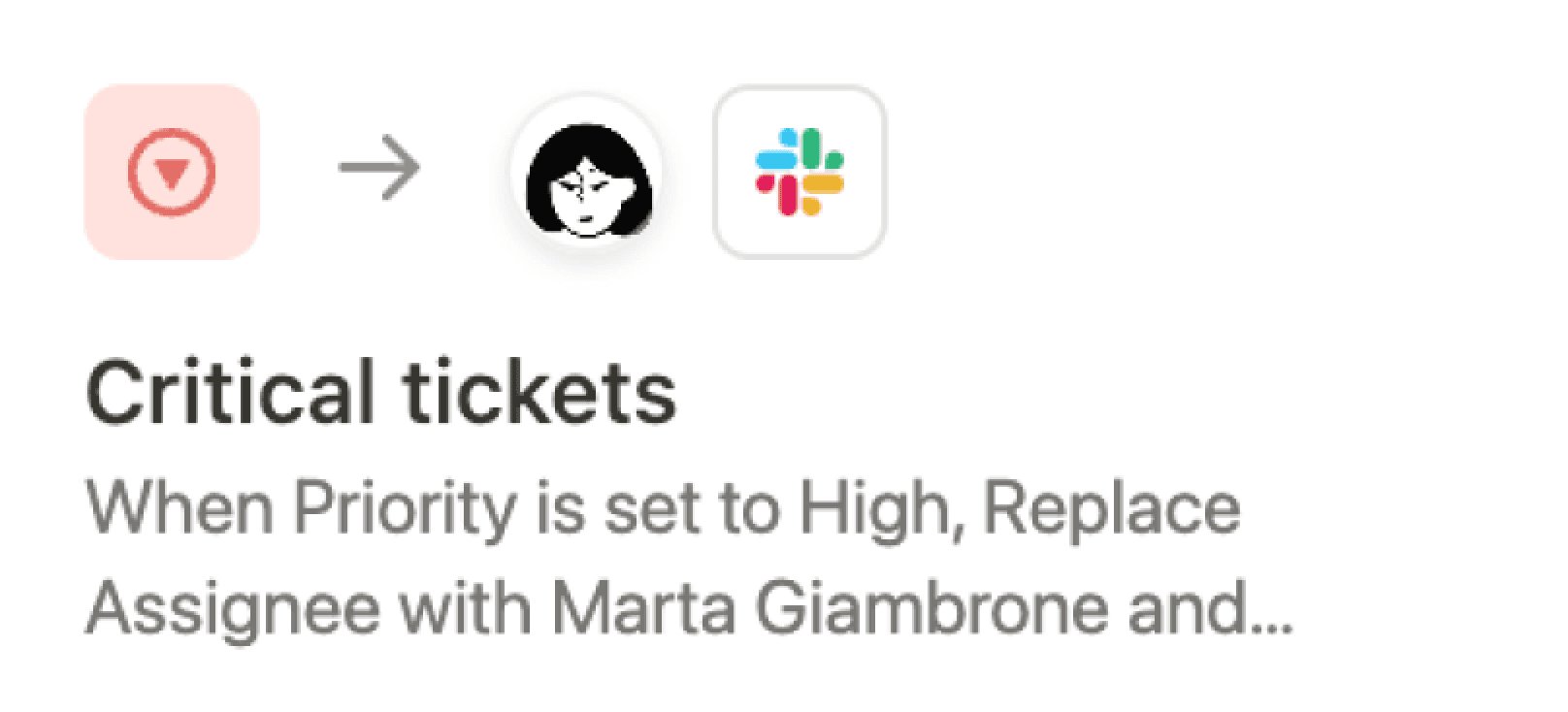
Alert team leads and notify team channels for urgent tickets.
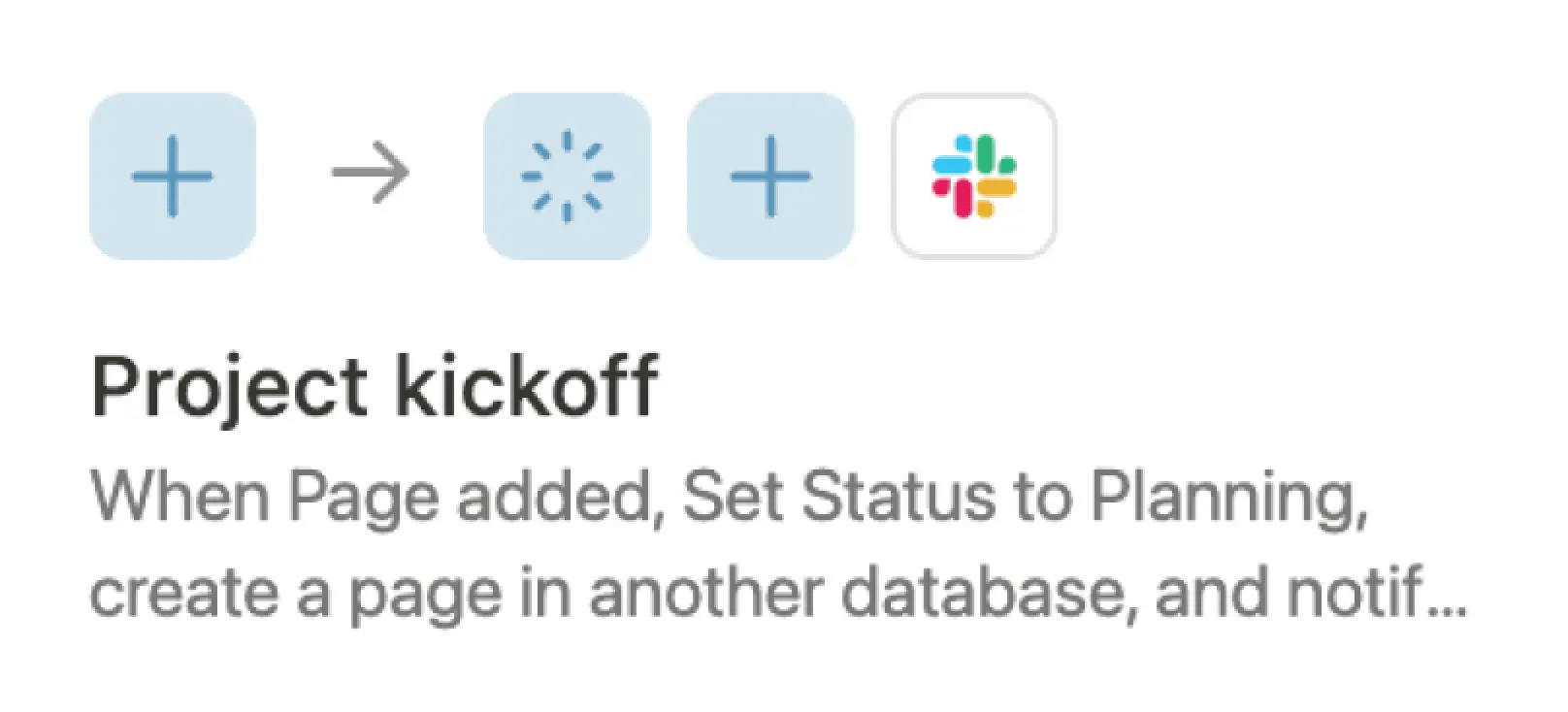
Let the team channel know when a new project starts.
Notify stakeholders when posts are ready for review.

Create tickets in Zendesk when new requests are submitted.

Run your workflows with ease based on specific events and updates.
Create and update databases to connect your workflows.
Automated alerts to notify teams right away in Notion, Slack, or Gmail.
Use custom variables to tailor your workflow actions—designed to scale.
Automations help us react faster thanks to instantly notifying the right people on dedicated slack channels whenever a new bug is logged. It improves reactivity and ownership.

What Notion plans include automations?
Notion features two types of automations: buttons and database automations. All users on the free plan have access to automations that are kicked off with buttons. Users on paid plans get unlimited database automations.
What actions can you automate in Notion?
With Notion automations, you can take actions within Notion or external tools. This includes adding or editing database pages, modifying database properties, creating custom variables using formulas, sending notifications in Notion, Slack, or Gmail, or connecting to other tools via webhook actions.
Buttons can also add blocks to pages, open URLs, and display confirmation pop-ups.
Who can set up an automation in Notion?
You will need Full access or Can edit permission in a page or database to create, edit, or delete automations.
How can i get started with automations?
To create a new database automation, click ⚡ at the top of a database and select New automation.
To create a new button automation, use the / command in any page and select Button
To create a new database button, select ••• at the top right of your database, and select Properties → New property → Button.
Where can I learn more about automation features?
You can check out our Help Center or Guides for more information.
Still have more questions? Message support.